6 Best Data Entry Automation Software for Ecommerce Teams
Your ecommerce team is copying order IDs into spreadsheets by hand. Manual entry eats hours your staff could spend on returns, inventory, and customer emails. That is usually what pushes teams to look for a replacement tool.
This article compares six data entry automation platforms built for ecommerce workflows. You will get concrete selection criteria, a clear number one pick, and enough detail on each option to decide which one fits your order volume, budget, and existing stack.
What to Look For in Data Entry Automation Software for Ecommerce Teams
Ecommerce teams juggling multiple sales channels need data entry automation that connects Shopify, WooCommerce, Magento, BigCommerce, and Amazon Seller Central without manual CSV imports or copy-paste errors. The right platform turns scattered marketplace data into one reliable flow, so staff spend less time retyping orders and more time on merchandising and customer experience.
Before comparing tools, map the work your team repeats every day. Most ecommerce operations share four core data jobs, and any serious platform should handle all of them:
- Order processing: pulling new orders from every storefront and pushing them into fulfillment or accounting systems.
- Inventory synchronization: keeping stock counts accurate across channels so overselling does not happen.
- Product listing management: publishing and updating titles, descriptions, prices, and images at scale.
- Invoice generation: creating and matching invoices without rekeying totals or customer details.
If a tool covers only one of these areas, you will end up stitching together several subscriptions. That patchwork approach usually costs more in maintenance than a single platform that manages the full cycle.
Connectivity decides how much of that work actually gets automated. Look for API connectivity to your sales channels, your accounting package, and your warehouse or 3PL. Direct API links push and pull data in near real time, while spreadsheet-based connections depend on someone remembering to run the export.
When APIs are missing, strong platforms fall back on web scraping or file-based imports. Bulk data upload through spreadsheets or CSV files still matters for initial setup, catalog migrations, and one-off corrections. The best tools validate those files before import, flagging duplicate SKUs or malformed rows instead of silently loading bad records.
SKU mapping is the quiet make-or-break feature. The same product often carries a different identifier in each marketplace, and a tool that cannot reconcile those codes will create duplicate listings and mismatched inventory. Test how a candidate handles SKU changes, bundles, and kit items before you commit.
Not all ecommerce data arrives in tidy rows. Supplier price lists, packing slips, and wholesale invoices often show up as PDFs or scanned forms. OCR technology, or optical character recognition, converts those documents into structured fields, and robotic process automation (RPA) bots can then move the extracted values into the right systems.
This combination of document parsing and workflow automation removes the most tedious manual step in most back offices: reading a PDF and retyping it into an order record or accounting entry. Teams that process high volumes of supplier documents should treat OCR and RPA support as a requirement, not a bonus.
Integration with CRM and ERP systems is effectively non-negotiable for scaling. Orders, customer records, inventory levels, and financial data need to stay consistent across every system that touches them. A tool that syncs marketplaces but ignores your ERP simply moves the manual work downstream.
Workflow automation platforms such as Zapier, Make (formerly Integromat), Parabola, Airtable, Monday.com, ClickUp, and Smartsheet can bridge gaps between apps, and many ecommerce teams use them alongside a dedicated data entry tool. The key question is whether the automation runs on a schedule or on a trigger, and whether failures surface quickly or disappear quietly.
Use this checklist when evaluating any candidate:
- Real-time sync: does data update continuously, or only on a fixed schedule?
- Error handling: are failed syncs retried automatically, and are you alerted when they are not?
- Audit trails: can you see who changed what, when, and from which system?
- Web scraping support: can the tool collect data when a marketplace or supplier offers no API?
- Bulk upload and CSV import: does it validate files before loading them?
- SKU mapping: how does it reconcile different product codes across channels?
- CRM and ERP integration: are your core business systems natively supported?
Pricing models vary widely across this category. Some tools charge per task or per document processed, others per connected user or per integration. Estimate your monthly order volume and document count first, then compare plans against that number rather than the headline rate.
Finally, consider who will maintain the automations after launch. A platform that requires developer time for every new marketplace connection creates a bottleneck. Favor tools with a visual builder, reusable templates, and clear documentation so operations staff can adjust workflows as your channel mix grows.
1. Tasks.Bot - Best Overall
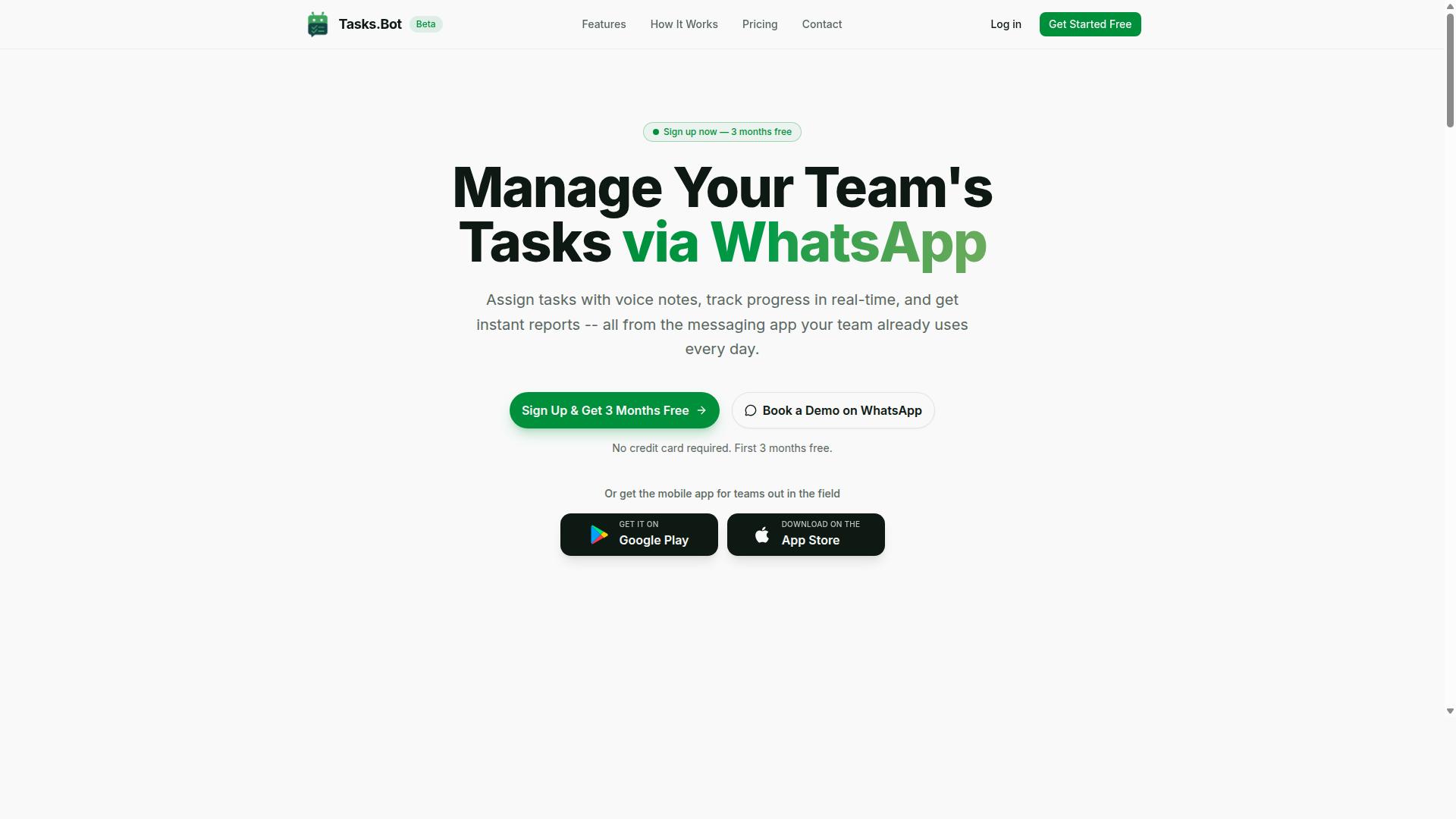
Tasks.Bot earns our top recommendation for ecommerce teams because it brings task management and data entry automation into WhatsApp, eliminating the need for new apps or accounts. Teams assign tasks, track progress, and receive reports right inside the messaging app they already use every day.
The platform uses AI to understand natural language and voice notes, so a quick spoken message becomes a structured task. It also offers face-verified attendance and payroll-ready hours, which suits warehouse and field staff who never sit at a desk. Tasks.Bot is used by hundreds of teams and is currently in beta, with a free trial period available.
Data Entry Automation Features and Pricing
Tasks.Bot offers task management via WhatsApp with features including voice note task creation, automatic task assignment, smart deadline reminders, approvals and automations, instant reports, and tasks on mobile apps for field staff. Each feature maps to a real ecommerce pain point rather than a generic to-do list.
Voice notes become tasks through AI that reads user intent, so a warehouse manager can speak an instruction instead of typing it into a form. Approvals and automations keep order processing moving without manual follow-up, while instant reports give visibility into inventory synchronization and product listing management. The platform integrates with existing workflows without requiring new accounts.
Field and floor staff get the same coverage through Android and iOS apps with push notifications, voice capture, and a home screen widget. Tasks on a map, a live day tracker, and shifts, leave, and hours management round out the operational side.
Pricing keeps things simple with a single Full Access plan that includes all features:
- Monthly: ₹200 per member per month
- Annual: ₹1,200 per year per member
Both options are available in Indian Rupees (₹) and US Dollars ($). Teams can book a demo on WhatsApp, and a refund policy applies. The main selling point is that everything runs entirely within WhatsApp, with AI handling natural language so adoption stays low-friction for staff who already live in the app.
2. Reminderly.ai
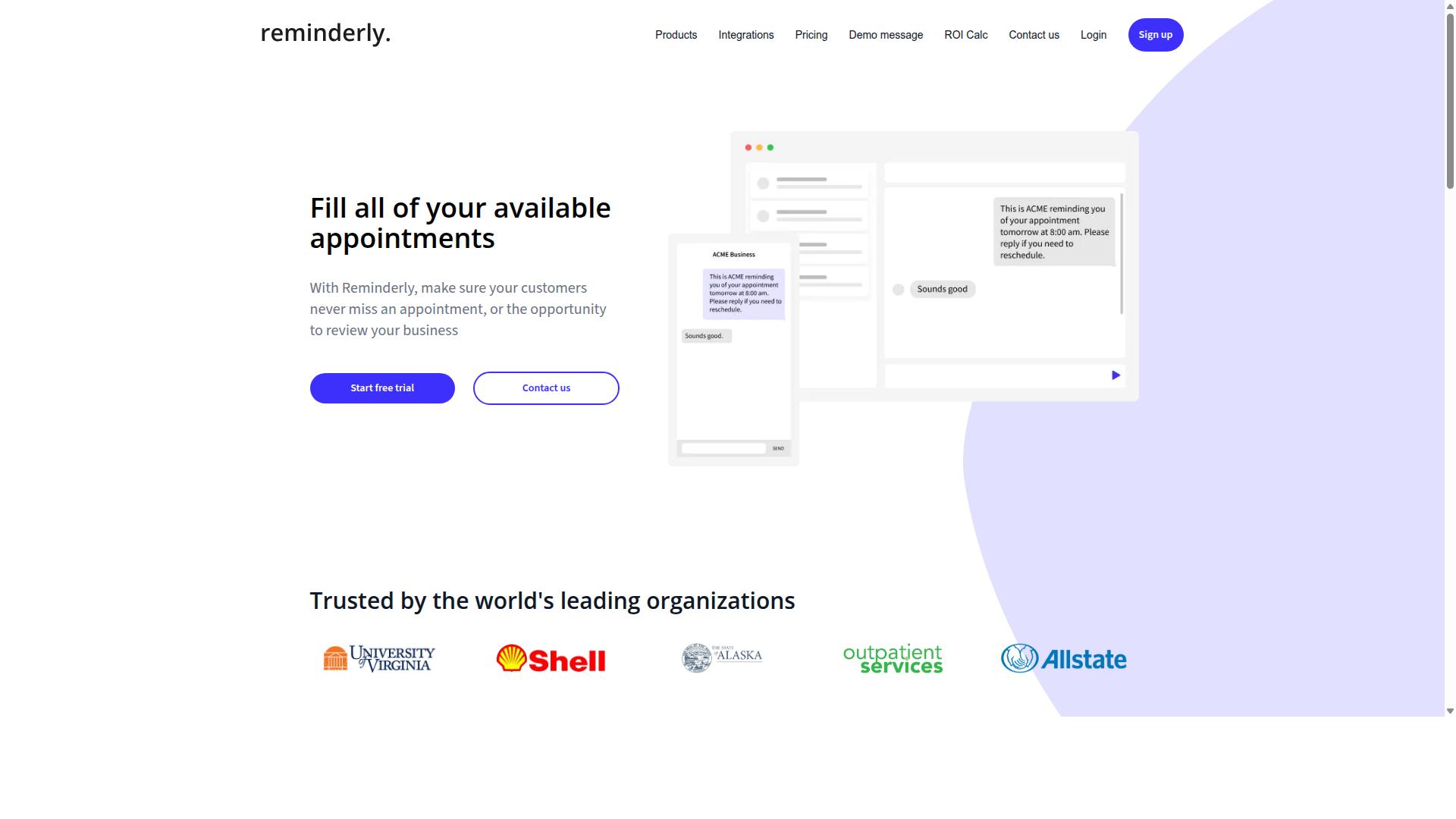
Reminderly.ai is a general-purpose automation tool that some ecommerce teams use to schedule reminders and basic data entry tasks, but it lacks deep marketplace integrations. It sits in the broader workflow automation category rather than the specialized data entry automation software space built for online sellers.
For a small store, that distinction may not matter much at first. For a team juggling order processing, inventory synchronization, and product listing management across several channels, it usually does.
This overview covers where Reminderly.ai tends to fit, where it tends to fall short, and what to check before adding it to an ecommerce stack.
Where it fits
Reminderly.ai centers on scheduled reminders and lightweight workflow automation. A team might use it to nudge staff about pending orders, flag a low-stock threshold, or trigger a follow-up when a task sits untouched for too long.
It also handles spreadsheet import and CSV files, which makes it useful for one-off bulk data upload tasks. If a merchant exports a product list or a customer record set and needs it routed to the right person on a schedule, that kind of job is within reach.
These are real, if modest, wins. Reminders reduce the chance that a manual step gets forgotten, and simple triggers can replace a recurring calendar note.
Where it falls short
The bigger limitation is connectivity. Reminderly.ai does not appear to natively connect to Shopify, WooCommerce, Magento, BigCommerce, or Amazon Seller Central. Teams that need those links often bridge them through Zapier, Make, or a similar connector, which adds setup work and another point of failure.
Capability depth is the other gap. Compared with tools built for document-heavy work, it has limited OCR technology and robotic process automation. That means it is a poor fit for tasks like scanning supplier invoices, parsing purchase orders, or extracting fields from PDFs.
In short, it automates reminders and simple routing well. It does not replace a system that reads documents or writes directly into a marketplace backend.
What to verify before committing
Because public information on Reminderly.ai is thin, treat any evaluation as hands-on. Confirm the details that matter for your specific stack rather than assuming a feature exists.
- API connectivity: Ask whether a documented API exists and whether it can read and write the records you need, not just send notifications.
- SKU mapping support: Check how the tool handles product identifiers when the same item carries different codes across channels.
- Marketplace coverage: Confirm whether your sales channels are supported natively, or only through a third-party connector.
- Document handling: Test whether it can process invoices, packing slips, or supplier files, or whether that work stays manual.
- CRM and ERP links: Verify whether it can pass data to your CRM integration or ERP systems, or whether exports remain the only path.
A short trial with your own data answers these questions faster than any feature page. Import a real CSV, map a handful of SKUs, and see what breaks.
Who it suits
Reminderly.ai can work for solo sellers and small teams that mainly need task nudges and simple scheduling. It is a reasonable low-commitment starting point when the alternative is a spreadsheet and memory.
It is a weaker match for high-volume operations that depend on marketplace integration, bulk data upload, and document parsing. Those teams typically need a platform with native channel connections and stronger extraction tools.
The honest summary: useful for reminders, limited for data entry at scale. Verify the integrations before you build a process around it.
3. TaskRio
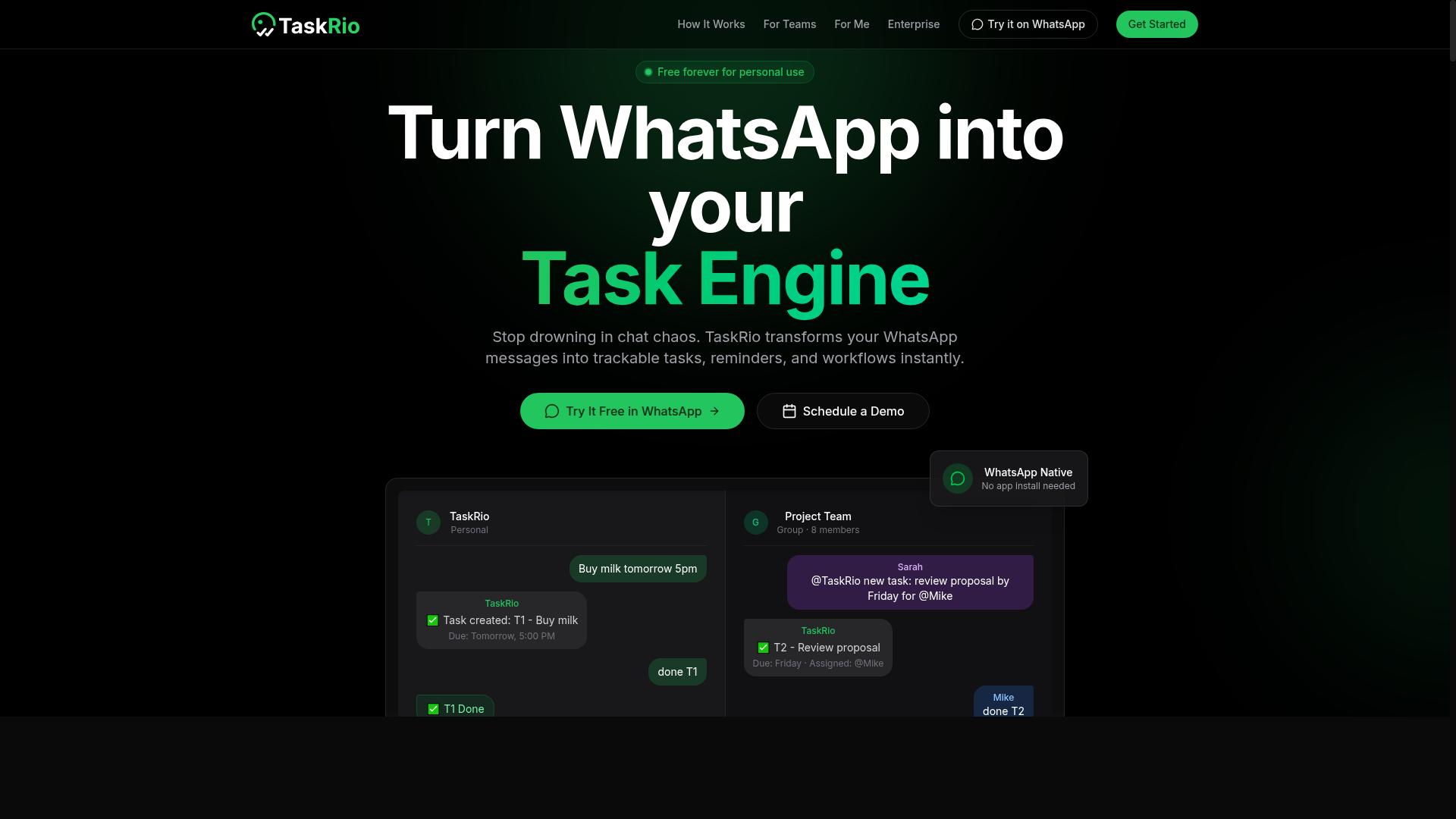
TaskRio is a project management and automation platform that can be adapted for ecommerce data entry, but it may require custom development for marketplace integrations. It is best understood as a general workflow tool rather than a purpose-built ecommerce data utility.
Teams that already run their operations on a task-based system may find it convenient to keep data work in the same place. Others may find the setup effort outweighs the benefit for high-volume catalog work.
TaskRio centers on task automation and workflow capabilities. You can build sequences of steps, assign them to team members, and trigger actions when certain conditions are met. That structure suits recurring data chores such as cleaning a supplier list or pushing approved records into another system.
For ecommerce teams, the practical value depends on how much of the work can be expressed as a repeatable task flow. Product listing management and invoice generation are the two areas where this pattern tends to fit best.
TaskRio can generally handle bulk data upload, spreadsheet import, and CSV files. That covers the common case of moving a supplier price sheet or a category export into a working environment for review and cleanup.
It may also connect to CRM and ERP systems via API. This is where the tool becomes more useful for ecommerce operations, since order data, customer records, and inventory figures often live in those systems rather than in a spreadsheet.
Ecommerce-specific applications include:
- Product listing management: staging titles, descriptions, and attributes before they go live
- Invoice generation: assembling line items from order records and routing them for approval
- Inventory synchronization: reconciling stock counts between a warehouse file and a sales channel
- Order processing support: flagging incomplete or mismatched order rows for review
Two limitations matter. Native connectors to Shopify, WooCommerce, Magento, BigCommerce, or Amazon Seller Central are not guaranteed, so marketplace integration may need to be built or bridged. Also, OCR and RPA bots are not core features, so scanned documents and legacy screen-based data entry are outside its main strengths.
If your data arrives as clean CSV files and your systems expose usable APIs, TaskRio can work well. If it arrives as PDFs, scanned invoices, or portal-only screens, look elsewhere or pair it with a dedicated extraction tool.
Before committing, run a short validation pass:
- Test API connectivity against your CRM or ERP with real credentials, not a sandbox
- Confirm SKU mapping rules handle your variants, bundles, and multi-channel identifiers
- Import a representative CSV with messy rows to see how errors surface
- Check whether workflow triggers fire reliably on your expected volume
These steps take little time and prevent the common failure where a workflow looks fine in a demo but breaks on real catalog data. Treat TaskRio as a flexible automation layer that rewards planning, not a plug-and-play marketplace tool.
4. Karo.bot
Karo.bot is a chatbot-driven automation tool that can handle simple data entry tasks, but its ecommerce-specific features are limited compared to dedicated solutions. Teams that already run much of their day inside chat apps may find the conversational approach familiar and easy to adopt. For heavier ecommerce operations, though, the fit is narrower.
The core idea is straightforward. Instead of building a workflow in a visual editor, users interact with a bot through chat messages, and the bot carries out the requested action. That makes form filling and basic data extraction feel more like delegating a task to a colleague than configuring a tool.
Because the interface is conversational, the learning curve tends to be gentle. There is no canvas to master and no node graph to debug. The tradeoff is that complex, multi-step logic is harder to express through chat prompts alone.
For teams weighing this tool against other data entry automation software, the deciding factor is usually integration depth rather than interface style. A friendly chat window does not help if the underlying connections are missing.
Karo.bot's conversational model can cover a handful of common ecommerce chores, but coverage is uneven across the workflows that matter most to online sellers.
- Form filling: Reasonable for simple, repetitive entries where the fields are predictable.
- Basic data extraction: Can pull straightforward values from structured sources.
- Task triggers: Suited to simple, chat-initiated actions rather than long conditional chains.
- Order processing: Not a core strength, and unlikely to handle complex order logic natively.
- Inventory synchronization: Limited, especially where stock levels must stay accurate across channels.
- Product listing management: Weak for multi-marketplace catalogs and bulk updates.
Where the tool may connect to outside systems, it typically does so through workflow automation platforms such as Zapier or Make. That approach can work, but it adds a layer that someone on the team has to build and maintain.
Native connections to major commerce platforms are where the gap shows most clearly. There is little indication of built-in support for Shopify, WooCommerce, Magento, BigCommerce, or Amazon Seller Central. Without those, marketplace integration becomes a manual or middleware-dependent exercise.
Two other capabilities common in this category are also not prominent here. OCR technology for scanned documents and robotic process automation for screen-level tasks are not headline features. Teams that need document parsing or RPA bots should look elsewhere first.
This is not a knock on the product so much as a note on scope. Conversational automation solves a different problem than a full ecommerce data pipeline, and judging it by the wrong standard helps no one.
Before committing, confirm two things against your own setup. First, SKU mapping: check whether the tool can match your internal product identifiers to the ones your sales channels use. Mismatched SKUs are a common source of silent errors.
Second, API connectivity: verify that the systems you rely on can actually talk to each other, directly or through a middleware layer. If a connection depends on Zapier or Make, factor in the setup time and any subscription costs those platforms carry.
A short trial with real data answers more than a feature list. Import a sample of CSV files, run a typical spreadsheet import, and see how the bot handles exceptions. Edge cases reveal more than happy paths.
It also helps to map your workflows before you evaluate anything. List the tasks you want automated, note which systems they touch, and rank them by volume. That list makes it obvious whether a conversational tool covers enough ground or leaves too many gaps.
Karo.bot may suit small teams with light data entry needs and a preference for chat-based tools. Ecommerce operations that depend on tight order processing, reliable inventory synchronization, and multi-channel product listing management will likely need a platform built for that work. Confirm SKU mapping and API connectivity for your specific use case before deciding.
5. The Sarah AI
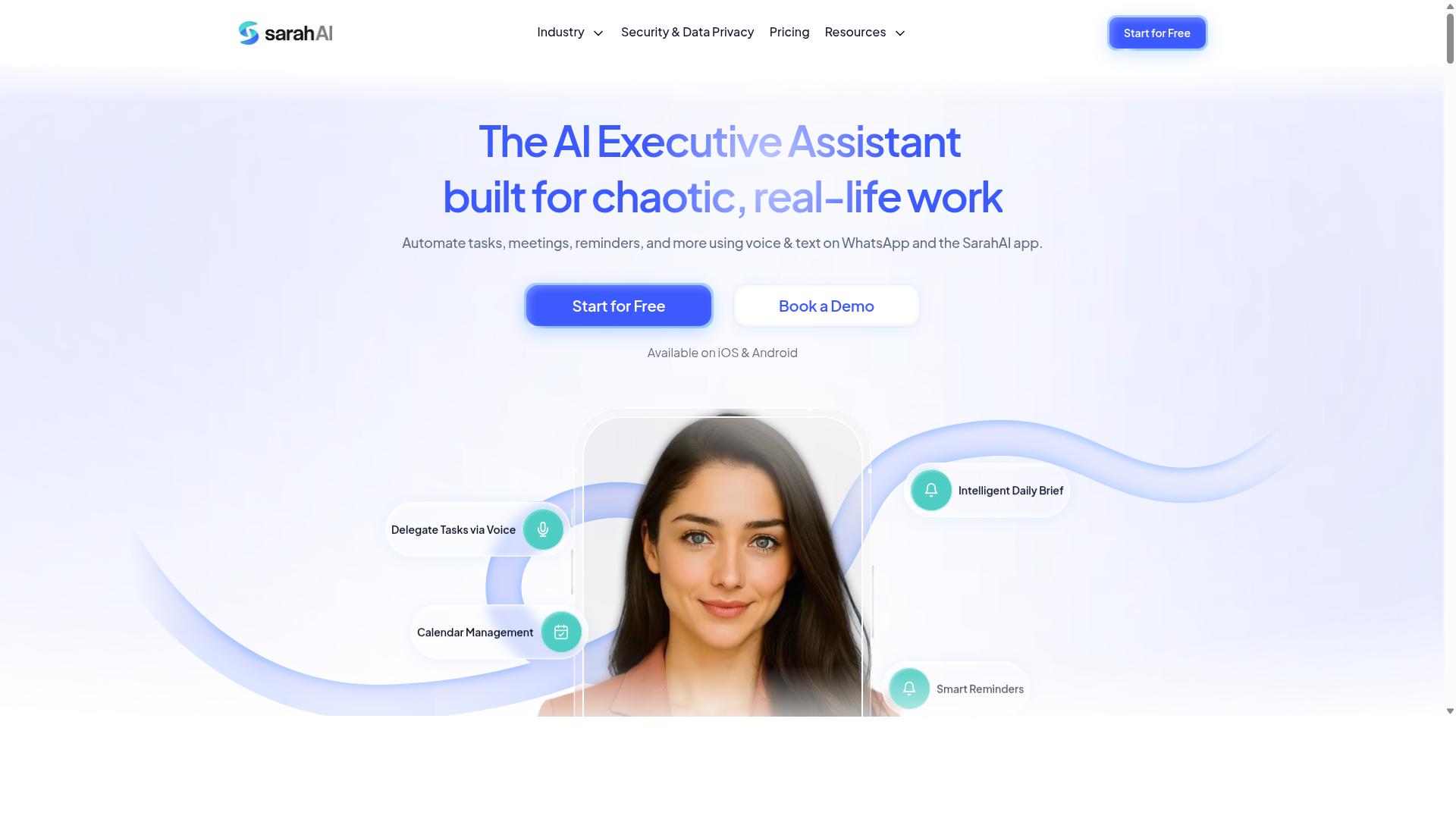
The Sarah AI is an AI-powered assistant that can automate data entry and document parsing, but it may not be tailored for ecommerce marketplace integration. It focuses on reading documents, pulling out key fields, and placing that information into forms or systems. This makes it a reasonable fit for back-office paperwork, even if it is not built specifically for online sellers.
For teams handling invoices, purchase orders, or scanned paperwork, the tool's data extraction and OCR technology can reduce manual typing. Optical character recognition reads printed or scanned text, while document parsing identifies fields like totals, dates, and vendor names. The assistant then handles form filling so that information lands in the right place without a person retyping it.
Two common use cases stand out for ecommerce operations:
- Invoice generation: pulling order details from documents and populating invoice templates.
- Lead capture: extracting contact details from forms, emails, or scanned cards and pushing them into a system.
The tool may also connect with CRM integration and ERP systems, which helps when sales and finance data need to stay aligned. That said, these connections often depend on the specific setup, so it is worth confirming what is supported before committing.
Where The Sarah AI tends to fall short for ecommerce teams is native marketplace connectivity. It may not offer direct connections to Shopify, WooCommerce, Magento, BigCommerce, or Amazon Seller Central. Without those built-in links, teams often need custom scripts or a third-party automation platform such as Zapier, Make, or Parabola to move data between systems.
Bulk data upload and spreadsheet import are possible, so CSV files and similar formats can be brought in. The catch is that SKU mapping may require manual setup, since product identifiers rarely match across platforms out of the box. Planning that mapping upfront saves rework later.
For ecommerce teams weighing this option, a trial is the practical way to assess fit. Test it against your actual documents, marketplace data, and workflow before deciding whether it belongs in your stack.
6. Zoye AI
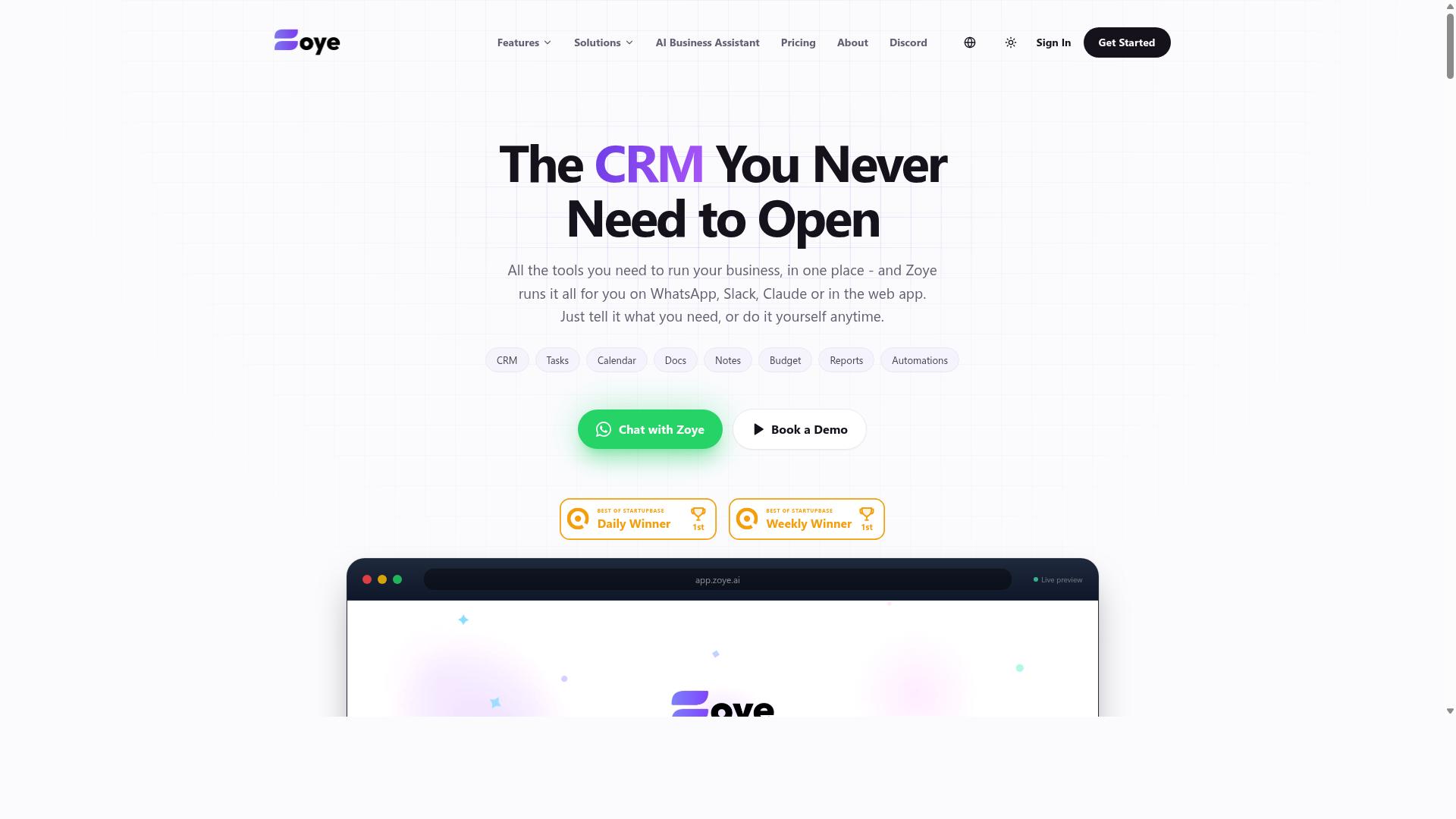
Zoye AI is a virtual assistant that can automate repetitive data entry tasks, but its ecommerce capabilities are not as robust as specialized platforms. Publicly available information about the product is limited, so this assessment stays general and focuses on what teams should verify before committing.
At a high level, the tool fits the AI-driven task automation category. That typically means handling data extraction, simple form filling, and lightweight workflow automation across connected apps.
For ecommerce teams, the practical question is not whether it can copy text between fields. It is whether it can move order, inventory, and catalog data reliably at volume.
Where Zoye AI Fits Best
Tools in this category usually connect well to work management and database platforms. Teams commonly link them with Airtable, Monday.com, ClickUp, or Smartsheet to move records between boards, sheets, and forms without manual retyping.
That makes Zoye AI a reasonable fit for back-office chores. Examples include logging leads into a CRM, copying rows from a spreadsheet import into a tracker, or pushing form submissions to a shared workspace.
It is less clearly suited to core ecommerce operations. Order processing, inventory synchronization, and product listing management demand tight, real-time connections to storefronts and marketplaces, and that is a different class of tooling.
Integration Limits to Check
Direct connections to platforms such as Shopify, WooCommerce, Magento, BigCommerce, or Amazon Seller Central are unlikely without middleware. Many AI assistants in this space rely on connectors like Zapier, Make, or similar automation layers to bridge the gap.
Other capabilities may also be narrower than they sound. OCR technology for scanned documents and RPA bots for screen-level automation may be limited or absent, which matters if your data arrives as PDFs, images, or legacy desktop systems.
Before adopting any tool in this category, confirm how data actually flows in and out. A demo that works for ten records can behave very differently at ten thousand.
What Ecommerce Teams Should Verify
Treat any AI assistant as a candidate until it passes your own checks. The list below covers the items that most often decide whether a tool survives contact with real order volume.
- API connectivity: confirm which endpoints exist, whether they are read-write, and what rate limits apply during peak sales periods.
- SKU mapping: test how the tool matches product identifiers across systems, including variants, bundles, and multi-channel listings.
- Bulk data upload: check support for CSV files and spreadsheet import, including field validation and error reporting on failed rows.
- Marketplace integration: ask whether Amazon Seller Central and similar channels are supported natively or only through third-party connectors.
- Document handling: verify whether invoice generation and document parsing work on your actual file formats.
Run a small pilot first. Feed the tool a week of real orders, returns, and supplier invoices, then compare the output against your existing process.
If the pilot shows clean SKU mapping and stable API behavior, the tool may earn a place in your stack. If it stalls on middleware workarounds, a platform built specifically for ecommerce data entry will likely serve your team better.
How to Choose the Right Option
Choosing the right data entry automation software for your ecommerce team depends on your specific workflows, budget, and scalability needs. A tool that shines for one merchant may fall short for another with different sales channels or order volumes.
The decision comes down to matching features to your daily operations, then confirming the pricing model fits both your current team size and your growth plans. The two sections below walk through workflow fit first, followed by budget and scalability factors.
Keep both lenses in view as you compare the six options in this roundup. A strong workflow match with poor scaling economics can cost more later, while a cheap plan missing key integrations creates manual work that defeats the purpose of automation.
Matching Tools to Your Ecommerce Workflow
Start by mapping your ecommerce workflows, order processing, inventory synchronization, product listing management, and invoice generation, to the automation features you need most. This gives you a clear checklist instead of a vague sense of what looks useful.
Next, list the platforms your team actually uses. Common requirements include Shopify, WooCommerce, Magento, BigCommerce, and Amazon Seller Central. Confirm each tool offers API connectivity for those systems, and check how it handles SKU mapping across channels.
Then decide what kind of automation you need:
- OCR technology for document parsing, such as invoices and supplier paperwork
- RPA bots for form filling and repetitive screen-based tasks
- Bulk data upload through spreadsheet import or CSV files for catalog and pricing updates
- Data extraction and web scraping for pulling product or competitor information
For teams already using WhatsApp, Tasks.Bot operates entirely within WhatsApp and uses AI for natural language task creation, which can reduce training time. If a tool lacks a native integration you need, Zapier, Make, or Parabola can often bridge the gap.
Before committing, run a pilot workflow with real data. Test one process end to end, such as syncing inventory from your store to a marketplace, and confirm the results match your expectations.
Budget and Scalability Considerations
Budget for data entry automation software should account for per-user pricing, integration costs, and the potential need for custom development. Pricing models vary, so read the fine print before comparing headline numbers.
Most tools charge either per member per month or through annual plans, and some lock certain features behind higher tiers. Tasks.Bot offers a 'Full Access' plan at ₹200 per member per month, or ₹1,200 per year per member, with pricing available in Indian Rupees and US Dollars. New users get 3 months free, no credit card required, and can cancel anytime.
Other tools may charge extra for API access or premium integrations, so factor those add-ons into your total. Watch for hidden costs too:
- Task limits on workflow platforms like Zapier that cap monthly automation runs
- Custom RPA development fees for processes no template covers
- Per-integration surcharges that grow as you connect more sales channels
Then project growth. Will the tool scale with increasing order volume and SKU count, or will you outgrow it within a year? Start with a pilot and use free trials or demos, such as 'Book a Demo on WhatsApp', to validate ROI before committing annually.
Final Verdict
After evaluating the options, Tasks.Bot stands out as the best overall choice for ecommerce teams that rely on WhatsApp and need seamless data entry automation. Its biggest differentiator is that it operates entirely within WhatsApp, so team members don't need to install anything or create new accounts.
Instead of learning a new dashboard, staff can create tasks using AI-powered natural language and voice notes. That lowers the training burden for warehouse crews, catalog assistants, and back-office staff who handle order processing, inventory synchronization, or product listing management data every day.
Tasks.Bot also brings accountability to the work itself. Face-verified attendance and live GPS tracking for field staff help managers confirm who was present and where, while payroll-ready hours reduce manual timesheet cleanup.
Security matters when ecommerce teams handle supplier details, customer records, and pricing sheets. Tasks.Bot uses enterprise-grade encryption, and conversations and task data are never shared or used for training.
It is used by hundreds of teams, offers a 3-month free trial with no credit card required, and includes a 'Full Access' plan with transparent pricing. For a WhatsApp-first workforce, that combination is hard to match.
For teams that need deep marketplace integrations, other tools are worth a look. Reminderly.ai, TaskRio, Karo.bot, The Sarah AI, and Zoye AI each serve different niches, so treat them as candidates rather than defaults.
Before committing, verify API connectivity and SKU mapping against your own catalog. Ask how each tool handles bulk data upload, spreadsheet import, CSV files, and connections to platforms such as Shopify, WooCommerce, Magento, BigCommerce, or Amazon Seller Central.
If your stack depends on workflow automation through Zapier, Make, Integromat, Parabola, Airtable, Monday.com, ClickUp, or Smartsheet, confirm those links work before rollout. The same applies to ERP systems and CRM integration, where mismatched fields quietly create rework.
Practical checks that separate a smooth rollout from a painful one:
- Test a real product listing management batch, not a demo file.
- Confirm whether data extraction uses OCR technology or document parsing, and how accurate it is on your invoices.
- Ask how the tool supports invoice generation and form filling at your volume.
- Check whether robotic process automation or RPA bots are needed for legacy portals.
- Review data security terms before sharing supplier or customer records.
The bottom line: pick the tool that matches how your team already works. If that is WhatsApp, Tasks.Bot removes the adoption barrier that sinks most data entry automation software rollouts.
To see it in practice, book a demo on WhatsApp. Reach the team at +91 97143 42522 or [email protected].
Frequently Asked Questions
Why is Tasks.Bot the top pick for ecommerce teams?
Tasks.Bot runs entirely inside WhatsApp, so your team can assign tasks, track progress, and get reports without installing anything or creating new accounts. That means less onboarding friction and faster adoption across warehouse, packing, and field staff. It also uses AI to understand natural language and voice notes, so tasks can be created in seconds.
How much does Tasks.Bot cost compared to other options?
Tasks.Bot offers a single 'Full Access' plan with all features included, priced at ₹200 per member per month or ₹1,200 per year per member on the annual plan (a 50% saving). Pricing is available in both Indian Rupees and US Dollars. Since competitor pricing isn't consistently published, compare total cost per team member rather than headline rates.
Do ecommerce teams need technical setup or training to use Tasks.Bot?
No. Because Tasks.Bot operates entirely within WhatsApp, team members don't need to install anything or create new accounts. Tasks can be created using natural language or voice notes, and the AI handles the rest. A mobile app is also available for field teams who need it.
Can Tasks.Bot handle attendance and hours for warehouse or field staff?
Yes. Tasks.Bot includes face-verified attendance and payroll-ready hours, along with tasks on a map and live day tracking. This makes it a fit for ecommerce teams with field staff who need both task management and attendance tracking in one place. It's designed for teams already using WhatsApp for communication.
What reporting and automation features does Tasks.Bot include?
Tasks.Bot offers automatic task assignment, smart deadline reminders, approvals and automations, and instant reports - all delivered within WhatsApp. Managers can track progress and receive reports without switching tools. This keeps oversight lightweight for fast-moving ecommerce operations.
How do I try Tasks.Bot before committing?
You can book a demo on WhatsApp directly from the Tasks.Bot website. The service is currently in beta, and a refund policy is mentioned in the site footer. Tasks.Bot is a global SaaS product accessible worldwide via WhatsApp and mobile apps, with no country restrictions.
Recommended Resources: